Parimatch Canada Login Guide: How to Access Your Account Safely
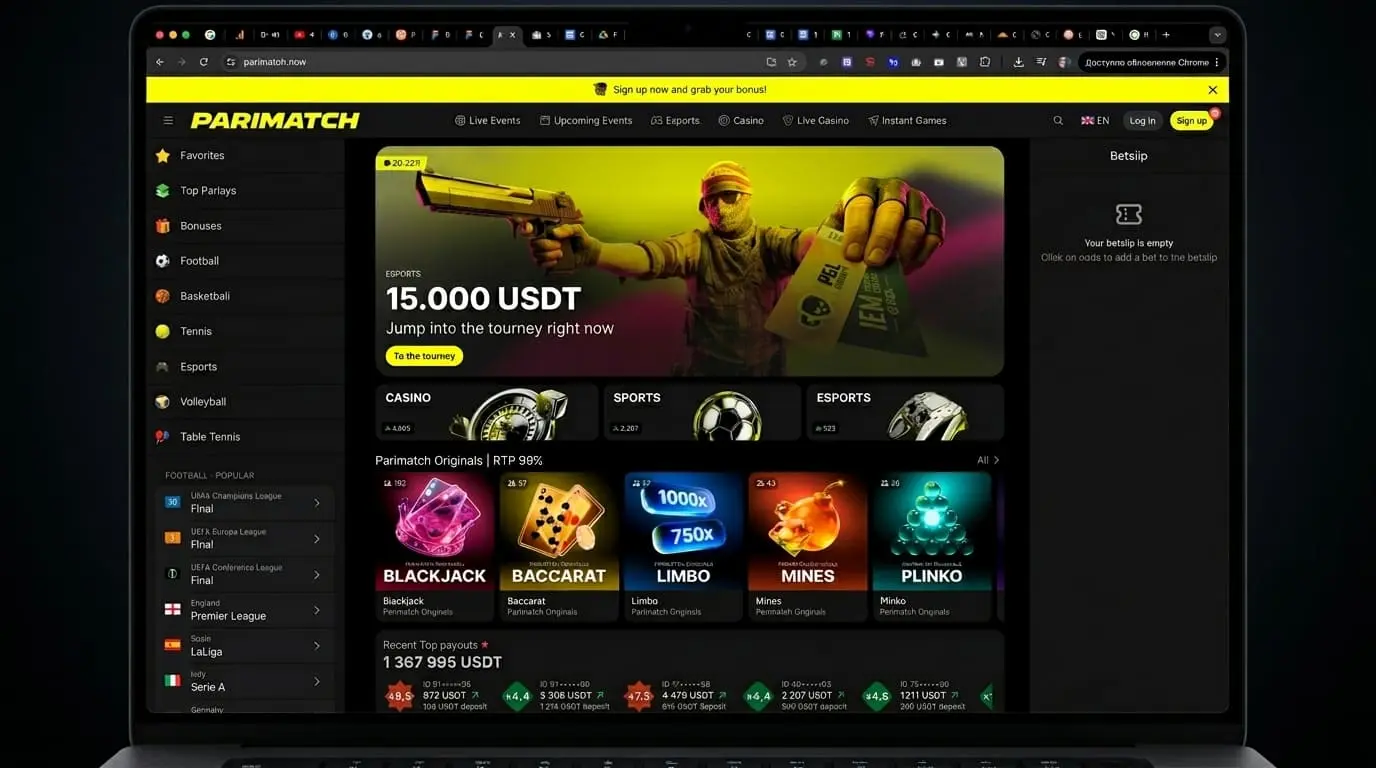
Logging into Parimatch should be simple: open the site, enter your email or phone, type your password, and get into your account. But when login fails, players often make the wrong move. They guess the password ten times, turn on a VPN, create a second account, or message support with half the information missing. That is how a small access issue becomes a frozen balance or a compliance review.
For: Eligible Canadian players, 18+/19+ depending on province or territory. Gamble responsibly.
Logging into Parimatch should be simple: open the site, enter your email or phone, type your password, and get into your account.
But when login fails, players often make the wrong move. They guess the password ten times, turn on a VPN, create a second account, or message support with half the information missing. That is how a small access issue becomes a frozen balance or a compliance review.
So here is the clean version.
If you already have a Parimatch account and your location is accepted, use the official login page, enter the same details you used during registration, complete any security check, and do not create a duplicate account if something goes wrong.
Before you log in, remember that online gambling access can vary by province or territory. If your current location is not accepted, do not use a VPN to force access.
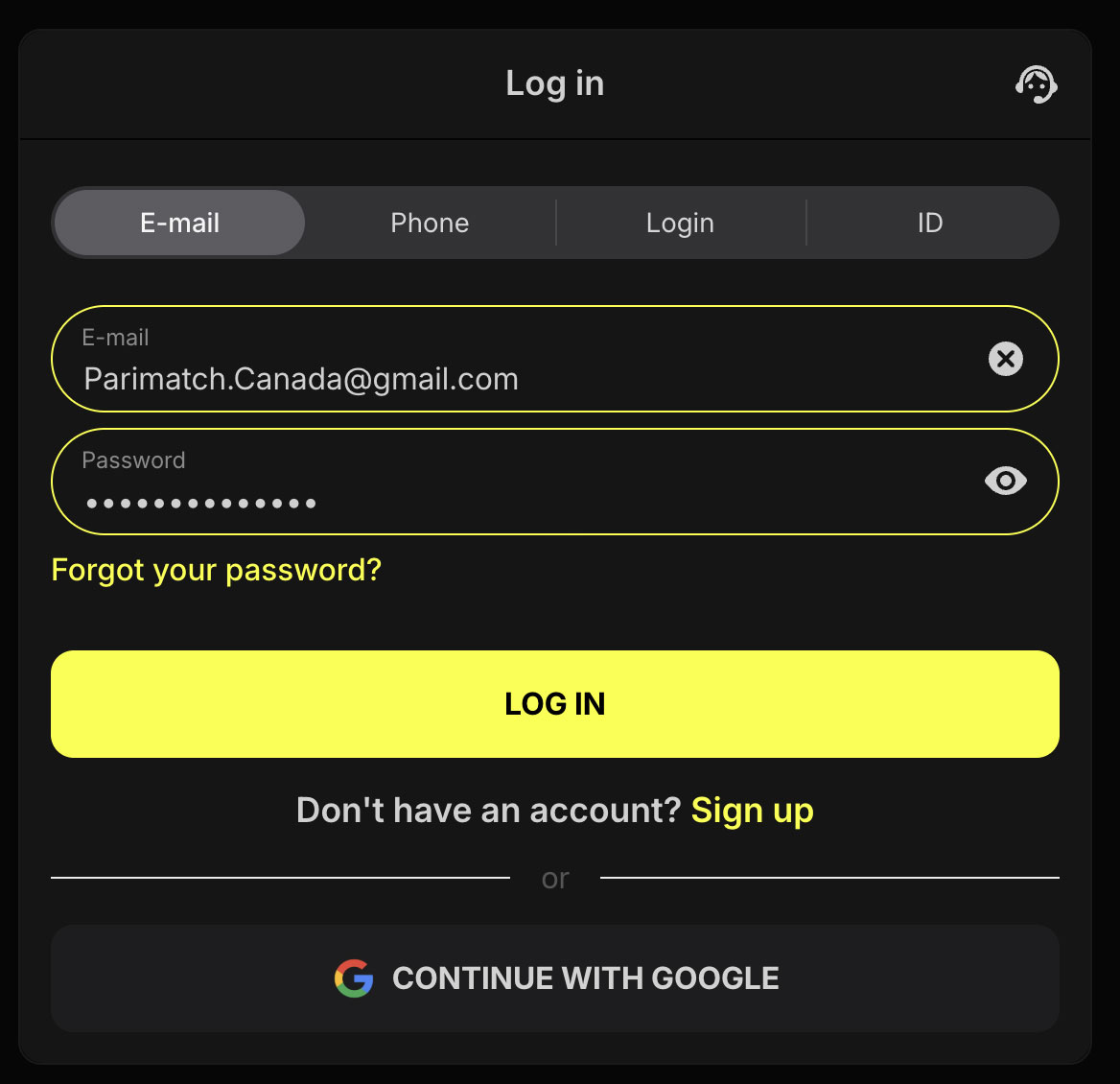
To log in to Parimatch Canada, open the official Parimatch site, click Log In, enter your registered email, phone number, or account ID, type your password, complete 2FA if enabled, and access your account dashboard.
The Number One Rule: Do Not Create a Second Account
If you cannot log in, do not create another Parimatch account.
That is the fastest way to turn a simple login issue into a risk flag.
From the operator’s side, duplicate accounts can look like:
- bonus abuse;
- identity manipulation;
- self-exclusion avoidance;
- payment fraud;
- account sharing;
- restricted-location access;
- deliberate rule breaking.
Maybe you only forgot your password. The system does not know that. It sees two accounts with overlapping device, IP, personal, or payment signals.
If the door is locked, fix the key. Do not build a second door.
How to Log In to Parimatch Canada
The exact login layout may change, but the basic process is straightforward.
Step-by-Step Login
- Open the official Parimatch site.
- Click Log In.
- Choose your login method if options are shown.
- Enter your registered email, phone number, or account ID.
- Enter your password.
- Complete 2FA or SMS verification if required.
- Wait for the account dashboard to load.
If you land on the cashier, bonus page, or sportsbook after login, that is normal. Some betting sites return you to the last section you used.
Parimatch Login Methods
Parimatch may allow more than one account identifier at login.
| Login Method | When to Use It | My Take |
|---|---|---|
| Email address | Best for most players | Use the email you control long-term, not a throwaway inbox. |
| Phone number | Useful if SMS verification is active | Make sure the number is current and includes the correct country code. |
| Account ID | Useful if you saved your player number | Keep it in a password manager or secure note. |
| Mobile app login | Best for frequent mobile users | Use only the official app or official mobile site. |
Do not assume every login method is available in every region or interface. If one method fails, try the official recovery flow before guessing repeatedly.
Desktop Login
To log in on desktop:
- Open the official Parimatch site.
- Click Log In in the header.
- Enter your email, phone number, or account ID.
- Type your password.
- Complete any security check.
- Access your dashboard.
On a shared computer, do not use Remember Me or saved browser passwords unless the device is fully yours.
Also avoid logging in from:
- workplace computers;
- public libraries;
- hotel lobby machines;
- borrowed laptops;
- unsecured public Wi-Fi.
A betting account is a financial account. Treat it that way.
Mobile Browser Login
To log in from a mobile browser:
- Open the official Parimatch site in Safari, Chrome, or another trusted browser.
- Tap Log In, Profile, or the account icon.
- Enter your login details.
- Complete SMS or 2FA if required.
- Check that your account balance and dashboard load normally.
Mobile browser login is useful if you do not want to install an app or if app access is not available in your region.
If the login button does not appear, try:
- refreshing the page;
- clearing the browser cache;
- disabling private browsing;
- switching browser;
- checking whether your current location is accepted.
Parimatch App Login
If an official Parimatch app is available for your device and region, it can make login faster.
After the first manual login, you may be able to use:
- Face ID;
- Touch ID;
- device PIN;
- remembered session;
- push notifications;
- app-based security prompts.
Use only official app links from Parimatch. Do not download random APK files from third-party sites. That is not being clever. That is handing your login details to someone you do not know.
For device-specific instructions, use the app guide: Parimatch Mobile App Guide →
What to Check After Login
Once you are inside the account, do not rush straight to the bet slip.
Take thirty seconds and check:
| Area | What to Look For |
|---|---|
| Balance | Confirm your real-money and bonus balances. |
| Active bonuses | Check wagering progress, expiry, and max bet rules. |
| Cashier | Confirm deposit and withdrawal methods. |
| Verification | See whether KYC is pending, approved, or requested. |
| Messages | Look for support, security, or document requests. |
| Responsible gambling tools | Review deposit limits, session limits, and cool-off options. |
| Transaction history | Check recent deposits, withdrawals, and adjustments. |
| Security settings | Confirm email, phone, password, and 2FA status. |
This is basic account hygiene. It prevents surprises later.
Troubleshooting Common Login Problems
Forgot Your Parimatch Password?
If you forgot your password, do not keep guessing.
Most betting platforms lock accounts after repeated failed login attempts. That lock is usually automatic and designed to stop brute-force attacks.
What to Do
- Click Log In.
- Select Forgot Password?
- Enter your registered email or phone number.
- Follow the reset link or code.
- Create a new password.
- Log in again.
- Store the password in a secure password manager.
A good password should be unique. Do not reuse the same password from your email, banking, sportsbook, and social accounts. If one service leaks, every reused password becomes a liability.
Parimatch Account Locked: What It Usually Means
A locked account does not always mean you did something wrong.
It usually means the system wants a check before letting the account continue.
| Possible Reason | What It Means | What to Do |
|---|---|---|
| Too many failed login attempts | Security lock triggered | Stop guessing and use password reset. |
| Pending KYC | Documents are missing or under review | Check email/account messages and upload requested documents. |
| Location restriction | Your current location may not be accepted | Do not use VPN; check province, territory, or travel status. |
| Duplicate account signal | System found overlapping account data | Contact support and do not create more accounts. |
| Payment review | Deposit or withdrawal method needs verification | Provide only the requested payment proof. |
| Responsible gambling restriction | Account may be limited or excluded | Contact support; do not try to bypass controls. |
| Suspicious activity | Risk team detected unusual access or betting | Prepare to verify identity and recent activity. |
The mistake is not getting locked. The mistake is reacting like you are hiding something.
Two-Factor Authentication Problems
Two-factor authentication is useful because a password alone is not enough.
But 2FA can create problems if:
- your phone is lost;
- your number changed;
- SMS codes do not arrive;
- your authenticator app was deleted;
- you are travelling;
- your device clock is out of sync;
- you changed phones without transferring the authenticator.
What to Do If 2FA Fails
- Check that your phone has signal.
- Make sure the number on the account is still yours.
- Wait a few minutes before requesting another code.
- Check whether your phone blocks short codes.
- If using an authenticator app, confirm your device time is automatic.
- Contact support if you no longer control the phone or app.
Do not ask a friend to receive codes for you. Do not try to bypass 2FA with a new account. That only makes the account look worse.
Email Login Problems
If your email login fails, check the basics first:
- Is the email spelled correctly?
- Did you register with a different email?
- Are you using uppercase/lowercase inconsistently?
- Did you accidentally include a space before or after the email?
- Is your email account still active?
- Are password reset emails going to spam or junk?
If you forgot which email you used, contact support. Provide your full name, date of birth, phone number, and any account ID you have. Do not guess by registering again.
Phone Login Problems
Phone login can fail for simple reasons.
Check:
- country code is correct;
- Canadian number is entered as +1;
- old number was not used during registration;
- SMS service is working;
- roaming is not blocking messages;
- phone number is not shared with another account;
- number matches your account profile.
If you changed your phone number, update it while you still have access to the old one. Waiting until after you lose the old number makes the process harder.
Account ID Login Problems
If Parimatch allows account ID login, the account ID can be useful when email or phone login creates confusion.
But you need the exact number.
If you saved screenshots from registration, welcome emails, cashier receipts, or support chats, your account ID may be there. Keep it somewhere secure. It is not a password, but it is still account information.
Location Blocks, Travel, and VPNs
Parimatch may check your location when you access the site or log in.
This matters because gambling access can vary by province, territory, and current physical location. If the site is not available where you are, your login may fail or the account may be restricted until you are back in an accepted location.
If You Are Travelling
If you normally play from an accepted province or territory but travel to another restricted location, your login may fail.
That does not mean your account disappeared. It may mean your current location is not allowed.
Wait until you are back in an accepted location and try again.
Do Not Use a VPN
Do not use a VPN to bypass a location block.
Risk systems can detect commercial VPNs, proxy networks, device-location mismatches, and sudden location jumps. If your account logs in from one province, then another location, then a VPN server within minutes, that does not look like a normal player. It looks like someone trying to bypass controls.
That is how withdrawals get delayed.
Important Availability Note for Ontario Players
From my latest check, Parimatch was not available in Ontario and was not listed in the official iGaming Ontario regulated market directory at the time of review.
If you are physically located in Ontario, use an operator registered with the AGCO and operating under the iGaming Ontario framework instead.
Do not use a VPN to bypass a restriction notice. That is one of the easiest ways to create a withdrawal dispute.
For the official Ontario market reference, check the iGaming Ontario regulated market directory.
Safe Login Practices and Support
Safe Login Checklist
Use this before logging in, especially from mobile.
| Safe Login Habit | Why It Matters |
|---|---|
| Use the official site or app | Avoid phishing pages and fake APKs. |
| Check the URL before entering details | Fake login pages copy real branding. |
| Avoid public Wi-Fi | Reduces account theft risk. |
| Use a unique password | Protects your balance if another site leaks. |
| Enable 2FA if available | Adds a second security layer. |
| Keep email and phone updated | Helps with recovery and withdrawals. |
| Do not share your account | Shared access creates risk and rule problems. |
| Log out on shared devices | Prevents unwanted access. |
| Do not use VPNs | Avoids location and compliance flags. |
| Save your account ID securely | Helps support locate your account. |
Most account security is boring. That is why it works.
What to Say to Support If Login Fails
Support can help faster if you give them useful information.
Prepare:
- full legal name;
- registered email;
- registered phone number;
- account ID if you have it;
- date of birth;
- province or territory;
- device type;
- browser or app version;
- error message screenshot;
- last successful login time;
- whether you recently travelled;
- whether you changed phone, email, or payment method.
Do not send your password. Support does not need it.
A good support message looks like this:
Hi, I cannot log in to my Parimatch account. I am using my registered email and I receive the message “[exact error message].” My account ID is [ID if known]. I am located in [province or territory], not using a VPN, and my last successful login was around [date/time]. Please tell me what verification or reset step is required.
That is clean. It gives support something to work with.
Common Login Mistakes
Avoid these.
| Mistake | Why It Causes Problems |
|---|---|
| Guessing the password repeatedly | Can trigger an automatic account lock. |
| Creating a second account | Can be treated as duplicate-account abuse. |
| Using a VPN after a location block | Can trigger risk and compliance review. |
| Logging in through a copied link | Increases phishing risk. |
| Using public Wi-Fi | Makes account interception more likely. |
| Sharing login details | Creates security and rule violations. |
| Ignoring KYC messages | Can keep the account restricted. |
| Changing phone number without updating account | Breaks SMS and 2FA recovery. |
| Deleting authenticator app without backup | Can lock you out. |
| Downloading unofficial APKs | Puts login details and balance at risk. |
The expensive login mistakes are usually preventable.
Final Take: Login Problems Are Fixable If You Stay Clean
Parimatch login is easy when everything is normal. The real test is what you do when access fails.
Use the official site or app. Reset the password instead of guessing. Keep your phone and email updated. Do not use VPNs. Do not create a second account. If KYC is requested, handle it directly.
If you are an eligible Canadian player and your location is accepted, a clean login process keeps your account usable for deposits, withdrawals, sportsbook betting, casino play, and bonus tracking.
Fix the key. Do not create a second door.
How to verify what is on this page
- igamingontario.ca — iGaming Ontario — the register of operators legally permitted to serve Ontario players. Check any brand here before depositing.